

If you’re reading this article, you’ve probably reached that point where manual calling workflows can’t keep up with your business demands anymore.
Maybe your reps are buried in callbacks. Leads are waiting hours, you’re losing revenue, and too many customers are churning.
Sounds like you’re ready to bring in a conversational AI call agent.
But that’s where many businesses get it wrong.
In this guide, we break down the journey: selecting the right platform, shaping your agent’s persona, and loading it with the knowledge needed to deliver desired results.
Let’s get to it.
Signs Your Business Is Ready for an AI Call Agent
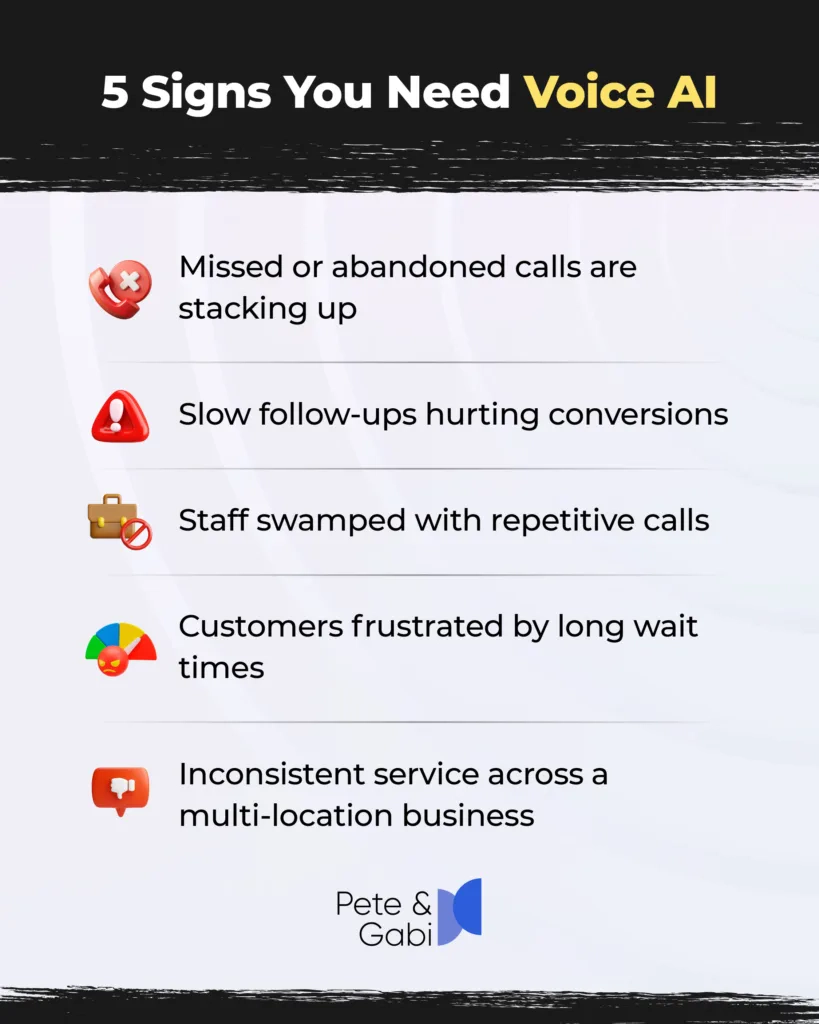
Before we get into the steps to choosing an AI call agent, let’s make sure you’re solving the right problem. If any of these sound familiar, you’re already overdue:
- Missed or abandoned calls piling up—with each potentially signaling lost revenue.
- Slow follow-ups killing conversions—sending leads to the competition before your team even gets back to them.
- Staff drowning in repetitive calls—same questions, same tasks, no strategic bandwidth.
- Customers complaining about wait times—or worse, quietly switching to competitors.
- Multiple locations, inconsistent service—different teams, different responses, and little standardization.
If these pain points hit home, an AI call agent can transform the way your business operates.
8 Steps to Acquiring an AI Call Agent for Your Business
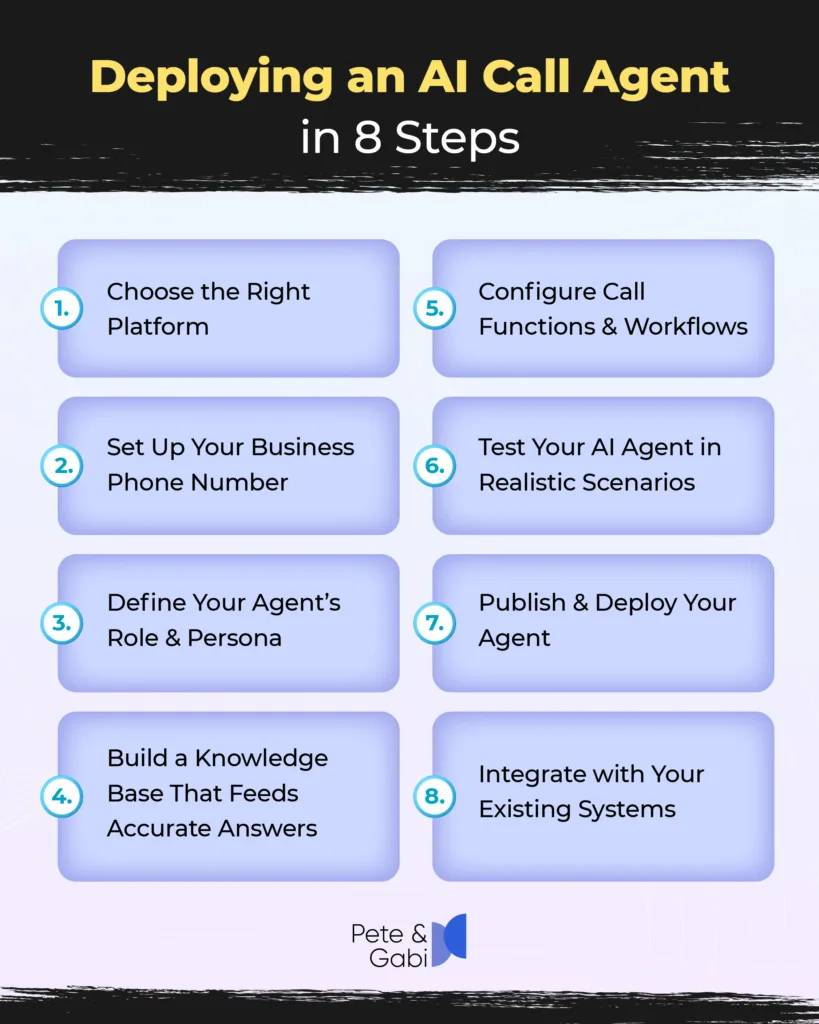
If you deploy conversational AI the right way, you can go from “We need help” to “Why didn’t we do this sooner?” in a matter of days.
Here’s how.
1. Choose the Right Platform
Your AI agent is only as strong as the platform behind it. Look for a solution built for real conversational depth—not rigid scripts or robotic voices.
As a rule of thumb, top platforms should offer natural speech, fast response times, reliable uptime, and customizable personas.
Also, ensure the conversational AI solution you choose supports your specific use cases—whether it’s outbound calls, inbound support, appointment scheduling, or lead qualification.
Most importantly, choose a platform that can scale as your call volume, locations, or product lines grow.
2. Set Up Your Business Phone Number
Your AI agent needs a dedicated line to operate.
Whether you’re using Twilio or another reputable telecom provider, secure a number that aligns with your brand—local, toll-free, or both.
Once you have it, connect the number directly to your AI platform. This becomes the bridge between your customers and your conversational AI agent.
It’s also important to make sure your call routing rules are clear from day one—what rings where, how it routes, and after-hours logic all matter for creating a smooth caller experience.
3. Define Your Agent’s Role & Persona
This is where the success of your conversational AI deployment takes shape.
The prompt you write becomes its blueprint—tone, personality, responsibilities, and boundaries.
For example: “You are a warm, efficient receptionist for GreenLeaf Health. You answer inquiries, schedule consultations, and route urgent calls correctly.”
Remember, a well-crafted persona ensures consistency.
Think of it like onboarding a new hire:
- What do they say?
- How do they speak
- What are they allowed (or not allowed) to handle?
The clearer the instructions, the better the performance.
4. Build a Knowledge Base That Feeds Accurate Answers
Your AI agent can only answer questions using the knowledge you give it.
For this, you’ll need to upload as much relevant information as you can—from your FAQs, product descriptions, and website pages to policies, pricing details, and other internal guides.
The goal is to create a library of information the agent can reference—something a human team would normally have to check manually.
A well-built knowledge base reduces errors, cuts escalations, and ensures callers get correct answers every time. Continue to update this information regularly as your business evolves.
5. Configure Call Functions & Workflows
Now it’s time to teach your agent what to do, as well as say, during calls.
Set up how it transfers callers to your team, books appointments, updates CRM fields, or escalates urgent issues. (See step 8 below for connecting to systems.)
You can also add call-ending rules, voicemail detection, and fallback flows when customers ask something outside the knowledge base.
From here, your AI voice agent becomes operational. And instead of just conversing, it can complete tasks your team no longer needs to handle manually.
6. Test Your AI agent in Realistic Scenarios
Before you go live, stress-test your AI like you would a new employee.
Give it easy calls, complex calls, angry customers, confused customers, urgent situations, and scenarios that require escalation.
You should also test how well your conversational AI handles speech quirks, accents, fast talkers, and overlapping dialogue.
Listen closely for tone, clarity, and accuracy. Then tighten the knowledge base where needed, refine the persona, and adjust workflows.
This test phase is crucial to protecting your brand reputation and ensuring your AI agent performs well from day one.
7. Publish & Deploy Your Agent
Once your tests look good, you’re ready to launch.
Publishing your agent makes it officially available on your connected phone number. You can also add your payment method if required and set usage limits.
Your AI is now ready to take real calls—whether it’s inbound support, outbound follow-ups, intake calls, or scheduling appointments.
It’s also a good idea to go live in phases. Maybe start with after-hours, overflow calls, or a single department before scaling across the entire business.
8. Integrate with Your Existing Systems
Finally, sync your AI voice agent with your existing tech infrastructure.
To unlock true efficiency, connect your agent to your CRM, helpdesk, calendar, or scheduling tool.
Integrations allow the AI to automatically log call details, update customer records, schedule meetings, or trigger workflows—all without manual intervention.
This creates a seamless loop between your customer conversations and backend systems. Over time, integration turns your AI agent into a full member of the team—one that works consistently, accurately, and around the clock.
Implementation Mistakes to Avoid
Rolling out an AI call agent can transform your operations—but only if you avoid the pitfalls that frequently sabotage performance.
These include:
- Not defining the primary use case—if everything is a priority, nothing is.
- Overloading the AI with too much early training—better to start focused, expand later.
- Skipping CRM or calendar integrations—no integrations = no real efficiency gains.
- Not tracking results—you can’t improve what you don’t measure.
- Treating AI like a gadget instead of a workflow shift—it’s a system upgrade, not a toy.

Bringing It Together
Adding an AI call agent is about transforming how your business communicates, engages leads, and drives revenue.
When deployed thoughtfully, it handles repetitive calls, engages customers instantly, and frees your team to focus on high-value work.
The difference isn’t marginal—it’s operational clarity and measurable ROI.
Follow the steps in this guide, avoid common pitfalls, and watch your workflows evolve.
Ready to turn calls into revenue 24/7? Let Pete & Gabi handle the conversations while your team closes deals.
FAQs
What is an AI call agent and how does it differ from traditional IVR?
An AI call agent can hold natural, human-like conversations, understand context, and make decisions in real time—unlike traditional IVR systems, which follow rigid menus and frustrate callers.
How quickly can my business deploy an AI call agent?
Depending on your setup and integrations, top AI agent solutions can be live in just days. However, full training, testing, and integration with CRMs or calendars may take a few weeks for peak performance.
Will an AI voice agent replace my staff?
No. AI agents handle repetitive, high-volume calls, freeing your team to focus on complex tasks, high-value conversations, and closing deals faster.
Can the AI handle multiple business functions at once?
Yes. From inbound lead qualification to appointment scheduling and follow-ups, conversational AI agents multitask seamlessly without missing a beat.
How do I measure ROI after deploying voice AI?
Track key metrics like call coverage, missed leads, response times, conversion rates, and time saved for human agents. Most businesses see faster follow-ups, higher conversions, and lower operational costs.