Hiring managers and talent acquisition teams face a persistent operational challenge: traditional early-stage screening takes too long. Between managing high application volumes and coordinating schedules across multiple team members, initial screening calls frequently delay the entire hiring timeline.
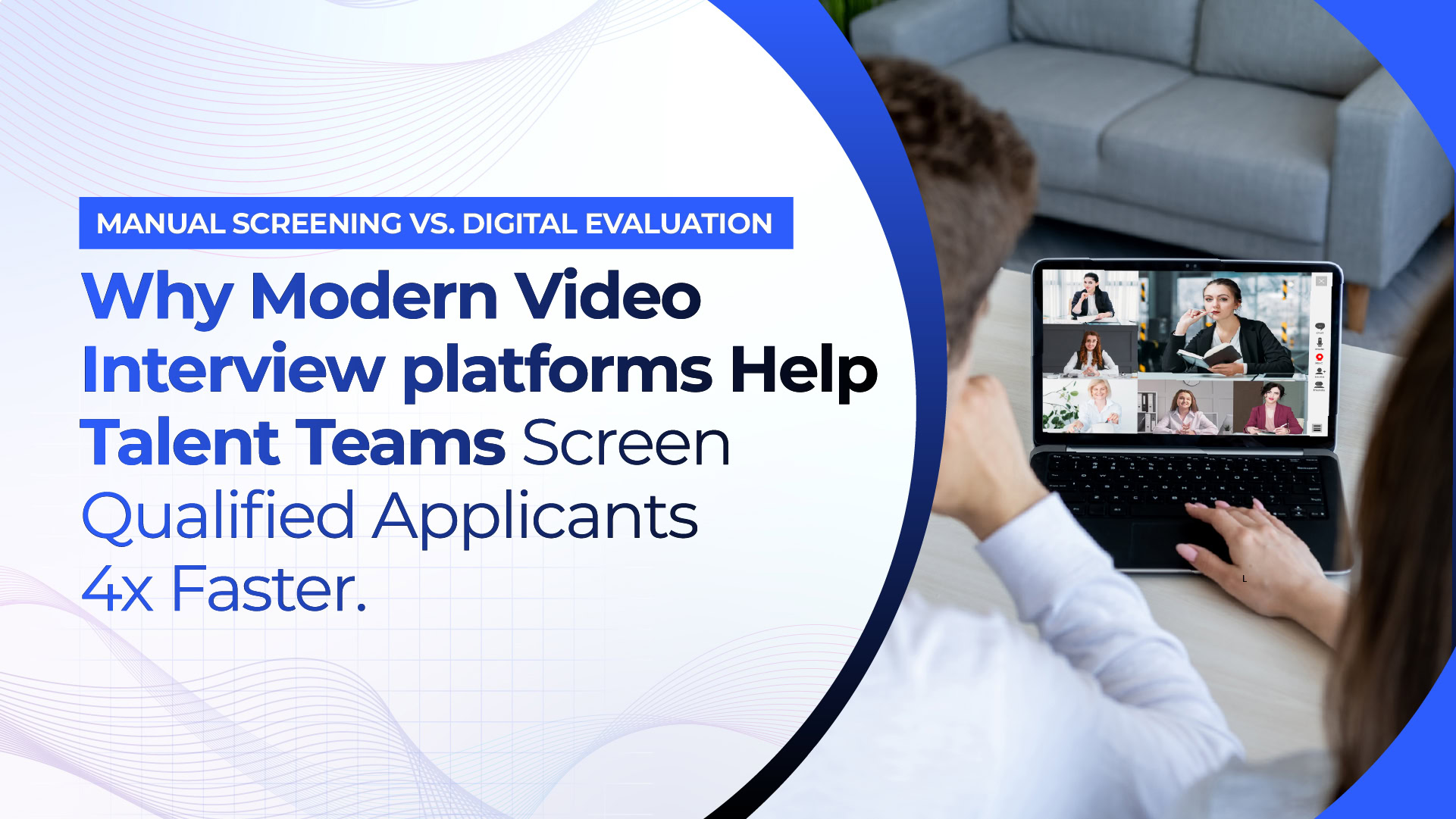
Video interview software provides a modern alternative by digitizing early candidate evaluations. Instead of relying on manual phone calls and back-and-forth email scheduling, these platforms allow hiring teams to screen candidates faster, normalize evaluation criteria, and make data-driven shortlisting decisions.
In this guide, we’ll show you how video interview tools work, the differences between live and asynchronous video interviews, the must-have platform features and pricing models, and how to integrate video interviewing software into your existing hiring architecture without sacrificing the candidate experience.
What is video interview software and how does it work?
Video interview software is a recruitment technology that allows hiring teams to record, conduct, review, and evaluate candidate interviews via digital video rather than traditional phone screens or first face-to-face interactions.
Instead of a raft of one-off conversations in the early stages of screening, video interview platforms bring together all candidate assessments into one consolidated, structured digital workflow.
The Core Mechanics of Video Interviewing Software
The video interviewing software operational cycle is a simple five-step process, although features may vary between platforms:
- Requisition Setup & Question Mapping: The recruiter or the hiring manager selects or creates a common set of questions specific to the open job. They usually consist of behavioral scenarios, technical questions specific to the role, and basic qualifying questions.
- Automated Candidate Invitations Qualified candidates are sent an automated email or SMS link to complete the interview. The invitation will contain the deadline, the approximate length, and instructions.
- Candidate Response Recording: Based on the platform (live or asynchronous), the candidate either logs into a virtual room in real-time or records video responses to pre-set prompts on their smartphone or laptop.
- Structured Review & Scorecards: Upon submission, video recordings are stored in a centralised dashboard. The responses are independently reviewed by each member of the hiring panel, who record ratings and feedback on a standard scorecard.
- ATS Data Sync & Decisioning – Evaluation scores, candidate video links, and review notes sync back directly into your Applicant Tracking System (ATS) enabling recruiters to move top-tier candidates to final panel rounds without manual data entry
What’s the difference between live and asynchronous (one-way) video interviews?
The main difference between live and asynchronous video interviews is when the interaction happens. Live video interviews occur in real-time – the candidate and the interviewer are online at the same time. Asynchronous (also known as one-way) video interviews allow candidates to pre-record answers to set questions at a time that works best for them. The recruiter can then review these videos later.
Each format has a different purpose at a different stage of the recruitment pipeline. Understanding when to use each format helps hiring teams to balance operational speed with candidate engagement.
| Functional Aspect | Live Video Interviews | Asynchronous (One-Way) Video Interviews |
| Interaction Model | Real-time, two-way conversational dialogue | Pre-recorded, one-way video responses |
| Scheduling Requirements | Requires matching calendar availability between parties | Zero calendar alignment needed; candidate records 24/7 |
| Primary Funnel Stage | Middle-to-late evaluation stages (panel rounds, culture fit) | Top-of-funnel screening (replacing 15-minute phone screens) |
| Evaluation Flexibility | Real-time assessment; difficult to re-evaluate after the call | Async review; panel members rewatch and score on their own time |
| Candidate Experience | Highly personal, allows immediate candidate Q&A | Convenient and flexible, but lacks live conversational dialogue |
When to Use Asynchronous (One-Way) Video Interviews
One-way interviewing is a perfect solution for high-volume hiring needs such as customer support, sales, graduate cohorts or specialized technical roles where each job receives more than 50 applications.
This removes the need for recruiters to schedule individual 20-minute phone calls, eliminating calendar back-and-forth and compressing candidate review times from weeks to hours. Every candidate is asked the same questions in the same time limits, reducing interviewer bias and giving a level playing field for evaluation.
When to Use Live Video Interviews
Live virtual interviews are more appropriate for late-stage assessments that require in-depth technical probing, real-time problem-solving, and two-way culture fit.
Live interview specific video interview software platforms offer functionality not available in general web conferencing applications. This includes scorecards built into the application, live coding environments, tagging of candidate answers and automatic syncing with ATS records.
What features should you look for in video interview software?
The best video interview software is more than just a simple webcam recording. To be successful, recruitment teams need tools that automate repetitive logistics, enable objective scoring, and provide a seamless experience for applicants.
When reviewing video interview tools, focus on these five core capability areas:
1. Calendar Syncing & Auto Scheduling
Live interview formats are hampered by manual scheduling. Best video interview platforms offer self-scheduling capabilities synced with team calendars (Google Workspace, Microsoft Outlook). Candidates select from a list of available time slots that fit their availability, removing the need for back-and-forth emails, and sends automated reminder notifications to reduce no-show rates.
2. Custom Rubrics & Scorecards for Objectives
To avoid decisions based on subjective “gut feeling”, seek out platforms with custom evaluation rubrics. Managers should identify the role-specific competencies (technical problem solving, clarity of communication, situational leadership, etc.) and require panelists to submit numerical scores and structured notes before reviewing peer feedback.
3. Native Applicant Tracking System (ATS) Integrations
A video interview platform should not be a data island unto itself. Look for software that has out-of-the-box, two-way integrations with major ATS systems (e.g., Greenhouse, Lever, Workday, or custom recruitment setups). Once a candidate hits a specific application status, invitations should automatically trigger. Completed recordings and scorecards should populate directly into the candidate’s ATS profile.
4. Business Privacy, Security & Compliance
The video footage contains sensitive personal information and biometric data. Make sure any vendor you’re considering is compliant with privacy regulations across the globe, including GDPR, CCPA, and EEOC guidelines. The platform must provide enterprise-grade data encryption (both in transit and at rest), configurable recording retention policies, role-based access controls, and transparent candidate consent workflows.
5. Candidate Experience Mobile First
More than 60% of job seekers start initial application steps on mobile. Completion rates plummet if a video interviewing software platform requires applicants to download complicated desktop applications or navigate non-responsive web pages. Candidates should be able to view prompts, practice responses and submit recordings seamlessly via any modern mobile browser, with no app installation required.
How much does video interview software cost?
When selecting the best video interviewing platforms for your team, understanding the pricing structures is important. Vendor pricing models vary widely depending on team size, candidate volume, and feature tiers needed.
Below are the four most common pricing structures used by video interviewing software vendors:
| Pricing Model | How It Works | Typical Price Range |
| Flat Monthly / Annual Subscription | Unlimited users and roles up to a set candidate monthly limit | $99 – $300 / month (e.g., Truffle, Willo) |
| Per-Seat / Per-User License | Charges based on the number of active recruiter or manager seats | $150 – $400 / month per active user |
| Usage-Based / Pay-Per-Candidate | Pays per completed candidate interview or active job requisition | $5 – $15 per completed candidate review |
| Enterprise Custom Contracts | Custom bundled pricing with SSO, dedicated support, and ATS workflows | $15,000 – $50,000+ annually (e.g., HireVue, VidCruiter) |
Cost Considerations to Keep in Mind
- Per-Seat Penalties: Per-user licensing models penalize growing companies that want to add hiring managers or guest interviewers to the screening process. If you have several managers reviewing video clips, flat-fee or usage-based pricing will usually give you better control of costs.
- Hidden Feature Tiers: Vendors may offer low entry prices, but essential features like custom branding, ATS integrations, advanced analytics, or automated reminders may be locked behind costly enterprise plans.
- Candidate Volume Caps: Check for monthly limits on candidate submissions. If you go over your plan’s allotted number of video submissions mid-month, you may be charged surprise overage fees, or your candidate pipelines may be paused.
Can video interview software cut down time-to-hire?
Video interview tools do shorten screening time in the early stages, but its impact depends on how well it helps reduce calendar coordination drag and resume review backlogs.
Examining where traditional phone screening creates friction and how digital evaluation changes candidate movement helps to understand how video platforms compress hiring timelines without duplicating standard pipeline strategies.
Traditional Phone Screens vs. Video Interview Workflows
In the typical phone-screen model, a recruiter reviews a batch of resumes, finds 20 qualified candidates and e-mails them each a list of available phone slots. This is followed by a multi-day game of calendar tag. Recruiters spend up to 15 hours a week on repetitive 15-minute introductory calls, tapping out informal notes and emailing hiring managers for feedback.
| Workflow Stage | Traditional Phone Screen Timeline (Avg. 10–14 Days) | Digital Video Interview Timeline (Avg. 2–4 Days) |
| Step 1: Application | Resume Review | Application Received |
| Step 2: Outreach | Email Tag for Availability | Automated Invite Sent |
| Step 3: Screening | Live Phone Screen (Office Hours Only) | Candidate Records Anytime (24/7) |
| Step 4: Evaluation | Manual Notes Typing | Batch Review & Scorecard Submission |
| Step 5: Next Steps | Delayed Manager Review | Instant ATS Data Sync & Decisioning |
Conversely, an asynchronous video interview platform compresses this entire top of funnel phase:
- Instant Candidate Activation: As soon as an applicant passes basic ATS criteria we fire off an automated invite. Candidates record responses during their non-working hours, weekends or evenings without waiting for recruiter office hours.
- Batch Evaluation for Hiring Managers: Instead of scheduling four separate 30-minute meetings, a hiring manager can evaluate ten 3-minute video responses back-to-back in a 30-minute window and score candidates side-by-side with objective scorecards.
- Avoid early no-shows: When candidates complete asynchronous screens on their own time, recruiters’ schedules are protected from last-minute cancellations, late arrivals or missed phone calls.
By cutting the initial qualification window from two weeks down to 48 hours, you keep the candidate momentum going and enable hiring teams to bring top talent to the final decision rounds before competing offers surface.
How to Deploy Video Interview Platforms Effectively
Clear change management is needed when adopting new recruitment software. If you’re not communicating with candidates and training your team, video screens can actually increase applicant drop-off or create friction between hiring managers.
Here are four best practices to launch a video interview platform:
1. Clearly explain the ‘why’ to candidates
Some candidates are not keen to provide video answers to automated prompts. Give a reason for why your company uses the format to increase completion. It speeds up the hiring decision, removes the scheduling delays and gives every applicant an even playing field to showcase their skills outside of a static resume.
2. Make Asynchronous Prompts Short and Relevant
Don’t Overwhelm Candidates in Early Screens Keep one-way video questions to 3-5 questions that are easy to understand. Give yourself 30-60 seconds of think time for each prompt. Keep your video responses to 90-120 seconds for each answer. Candidates can retake at least one question, which reduces stress levels and greatly increases completion rates
3. Include a Welcome Video From the Manager Doing the Hiring
At the beginning of the assessment, include a short 30 second intro video with a department lead or recruiter to humanize the experience. Welcoming applicants, setting clear expectations and thanking them for their time has been shown to increase completion rates and strengthen your employer brand.
4. Train Panel Reviewers for Scoring Consistency
Run a short calibration session with the people on the panel before you release the software to your hiring team. Make sure that all people judging the video submissions are judging against the same rubric standards, not against arbitrary things like background lighting or casual presentation styles.
Evaluating Voice AI Candidates: The Next Evolution
Standard video interview tools and one-way video recording tools are a huge operational upgrade from manual phone screens. They take the friction out of calendars, standardize early questions, and give hiring managers the power to review candidates on their own time.
But traditional one-way video screens are still limited in operation:
- Passive Watching Fatigue: Hiring managers are still required to sit and watch hours of recorded video clips line by line.
- No Real-time Interaction: Static video prompts can’t ask clarifying follow-up questions when a candidate provides a vague answer.
- Risk of Synthetic Profiles: Recorded videos make it hard to verify if an applicant is receiving live assistance or using generated responses during the recording.
From Static Video to Conversational Voice AI
Gone are the days when talent acquisition teams ask candidates to talk to a silent camera lens. Today, talent acquisition teams are moving towards interactive, conversational assessment platforms.
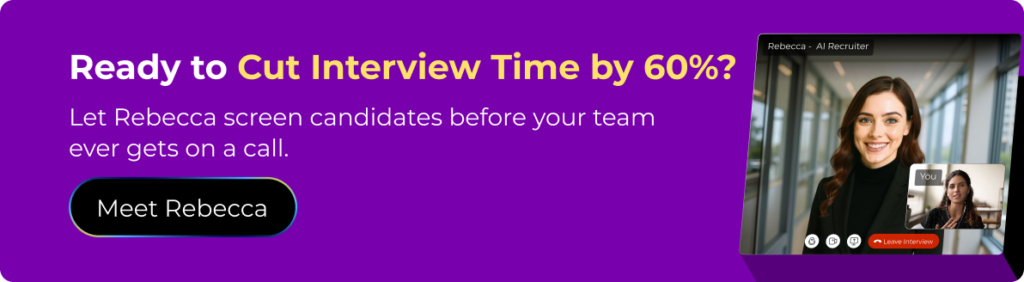
Rebecca AI Recruiter and other platforms represent the next evolutionary step in early-stage candidate assessment. Rather than making hiring managers watch hours of static video recordings, Rebecca AI allows for interactive two-way conversational interviews over voice.
| Era / Technology Stage | Legacy Phone Screens | Asynchronous Video Platforms | Conversational Voice AI |
| Interaction Style | Manual calendar tag; 15-minute phone call per candidate | One-way video recordings; static prompts | Interactive, two-way voice screens; dynamic follow-up prompts |
| Review Process | Manual note-taking and email debriefs | Manual video playback review by hiring managers | Instant, structured scorecard summaries automatically generated |
| Verification & Security | Basic resume trust; no fraud checks | Static video recording; limited live verification | Built-in candidate verification; voice & profile fraud detection |
| Operational Impact | High scheduling friction; long time-to-hire | Eliminates calendar tag; creates video review backlogs | Eliminates backlogs; qualifies talent instantly 24/7 |
The Reason Talent Teams Are Using Voice AI Interviewing
- Dynamic Follow-Up Questions : A conversational Voice AI recruiter differs from a static video prompt by dynamically adjusting in real-time, asking targeted follow-up questions to probe candidate claim depth, technical experience and salary expectations.
- Automated Scorecard Summaries: With conversational AI platforms, hiring managers don’t have to watch recorded video files as they get instant, objective scorecard summaries with highlighted verified skills and key response transcripts in real time.
- Built-In Candidate Verification: Advanced Voice AI platforms act as a barrier to fraudulent applicants. They implement voice and profile verification to weed out synthetic candidates before team members commit time to live interview rounds.
Conversational AI platforms combine the scheduling flexibility of digital screening with real-time conversational intelligence to qualify talent instantly without sacrificing the human touch.